JnK Plugins
How to Add an Exit-Intent Popup in WordPress (Without Annoying People)
Exit-intent popups have a bad reputation, and a lot of it is earned. Everyone has met the one that slams down the second your cursor drifts toward the tab bar and hides its close button in a corner. But the idea underneath is reasonable. Someone has read your page, they’re about to go, and you get one polite chance to offer them something useful.
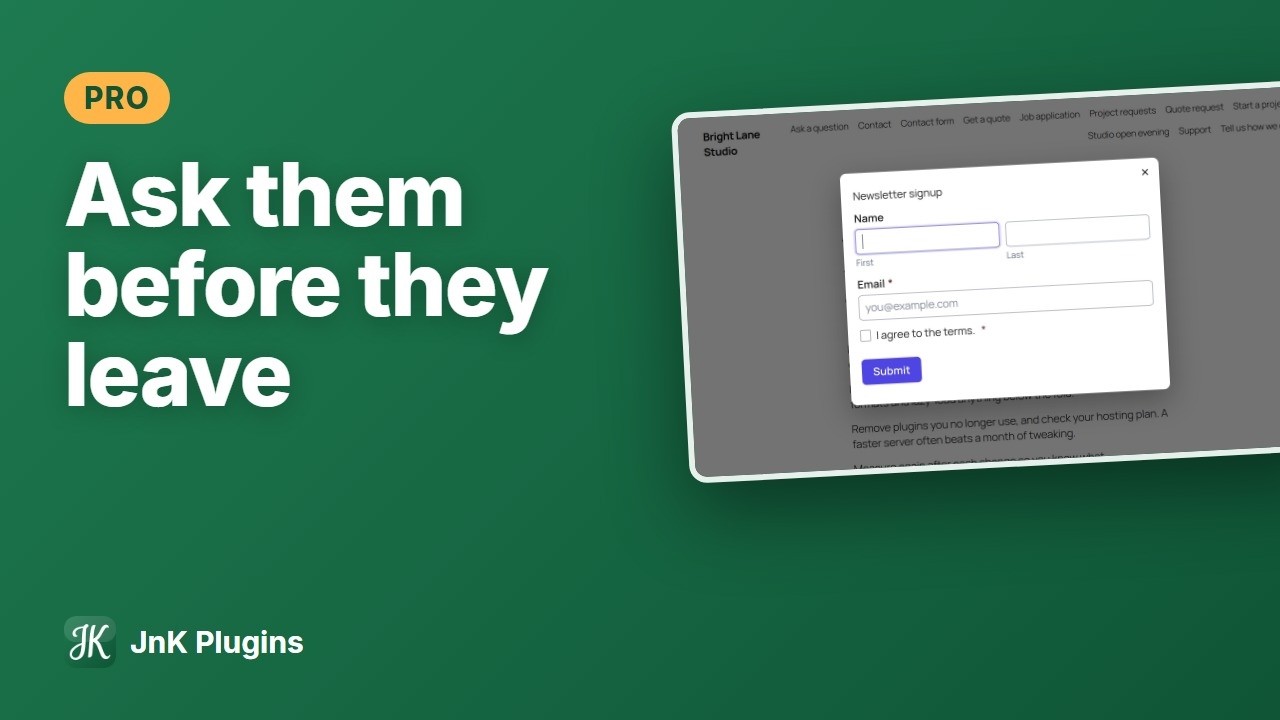
This guide covers how exit intent actually works, why it doesn’t exist on phones, what Google says about mobile popups, and the few settings that decide whether your popup helps or just annoys people. We’ll get to WordPress tools at the end, including ours.
How does exit intent actually work?
No mind reading involved. On a computer, a script listens for the mouse pointer leaving the page. If it leaves through the top edge of the window, toward the tabs, address bar or close button, the script treats that as “about to leave” and opens the popup. In code it’s usually a mouseout listener that checks the pointer isn’t moving onto another element and is at or above the top of the viewport.
Which means it’s a guess. People move the mouse up to switch tabs, click a bookmark or drag the window. So design for the wrong guess: closing it should cost one click.
Why doesn’t exit intent work on phones?
Because there’s no pointer. Nothing hovers, so nothing leaves the window. People leave a mobile page by tapping back, switching apps or closing the tab, and the page gets no useful warning before any of those.
Tools that promise “mobile exit intent” usually mean one of these:
- A fast upward scroll, on the theory that someone flicking to the top is heading for the address bar. Sometimes. Often they’re just re-reading a heading.
- Time on page or scroll depth, relabelled. Fine triggers, just not exit intent.
- Back-button hijacking, where the page adds a fake history entry so pressing back shows a popup instead of leaving. Please don’t. It traps people on a page they asked to leave, and browsers have been closing that loophole for years.
Our advice for phones: use a scroll-depth or time trigger, or skip the automatic popup there and put a good inline form at the end of the post. Someone who reached the bottom of your article is already in the right mood.
What does Google say about popups on mobile?
Since January 2017, Google has said that pages where content isn’t easily accessible on mobile because of an intrusive interstitial may not rank as highly. Its examples: a popup covering the main content right after someone arrives from search or while they’re reading, a standalone interstitial they must dismiss first, and a layout where the top of the page looks like an interstitial with the content pushed underneath. It also named things that are fine, like legally required cookie or age notices, login dialogs, and banners that use a reasonable amount of screen.
Keep it in proportion. It’s about mobile, mostly the moment someone lands from search, and Google has called it one signal among many. It’s no reason to panic about every popup, but it is a good reason not to cover the article the instant a phone visitor arrives. A desktop exit popup fires as someone leaves, which is close to the opposite case.
What should the popup actually offer?
“Subscribe to our newsletter” on its own is the weakest offer there is. It asks for something and promises nothing specific. Better bets:
- A checklist or template that matches the page they were reading
- A direct offer of help (“Tell us your site and we’ll reply within a day”)
- A real discount, stated plainly, with no fake countdown timer
- A one-question survey asking what they came for and didn’t find
That last one is underrated. Even with zero signups, you learn why people leave. Keep the form short too, email and maybe a first name. And if you’re collecting emails from EU visitors, consent rules apply; our GDPR checklist for WordPress covers the form side.
How often should a visitor see it?
Less often than you think. Once someone closes your popup, they’ve answered. Showing it again on the next page says you weren’t listening. A sane baseline is once per page view at most, never two popups at once, and after it’s closed, a gap of several days (a week is a fine start) before it opens by itself again.
Most tools remember this with a cookie or the browser’s localStorage. Either way it’s per browser, so one person on a phone and a laptop counts twice, and clearing site data resets it.
Stop showing it to people who already said yes
This gets missed a lot. If someone signed up last week, a popup asking them to sign up is pure noise. Your tool should stop opening it automatically for anyone who already submitted it, while a link or button can still open it on request.
Make it accessible (it’s also just better)
A popup is a modal dialog, and modal dialogs have well-known rules. Following them makes the popup less irritating for everyone:
- Move focus into it when it opens, ideally to the first field
- Keep focus inside while it’s open, so Tab doesn’t wander into the page underneath
- Esc closes it. Always.
- A visible close button with a real accessible name like “Close”
- Return focus to where the person was when it closes
- Label the dialog with a heading, and skip the bouncy entrance for people who asked for reduced motion
The browser’s built-in <dialog> element opened with showModal() gives you some of this for free: the page behind goes inert and Esc closes it.
How do you measure whether it’s working?
Popup tools love “conversion rate”, submissions divided by times shown. Useful, but it only covers the people who said yes. You also want to know what the popup did to everyone else.
So watch both. Track the submission as a conversion (our guide to tracking form conversions in GA4 walks through it), and keep an eye on engagement on the pages where it runs. If signups rise a bit but engagement time drops and fewer people reach a second page, you’ve traded readers for addresses. Our post on reducing bounce rate explains which GA4 numbers to trust.
What are your options in WordPress?
- A dedicated popup plugin. Lots of trigger and targeting rules. Can be heavy if you only need one popup.
- A form builder with a popup mode. Build the form once, show it inline or as a popup, and entries land with your other forms. Usually fewer targeting rules.
- A marketing SaaS script. Your email provider gives you a snippet. Quick to start, but it’s another third-party script on every page and the data lives on their servers.
How we do it in Trinity Forms
The exit option watches for the mouse leaving through the top of the window. On devices without a mouse it never arms, so on phones an exit popup just won’t appear. Each popup has one automatic trigger, so “exit on desktop, scroll on mobile” isn’t possible with the same popup.
After someone closes it, it won’t open by itself again for the number of days you set (7 by default, 0 means every page view). Once someone has sent the form from that browser, it never opens by itself for them again, though a click still opens it. Both are kept in localStorage, so it works on cached pages.
It uses the native <dialog> with showModal(), so the page behind is inert and Esc closes it. Focus goes to the first field and returns afterwards, the close button is labelled, a click on the backdrop closes it, and the entrance animation is skipped for visitors who asked for reduced motion.
What it doesn’t have: targeting by URL, category, device or login status (it’s every page or the pages with the shortcode), and it doesn’t count how often a popup was shown, so impression numbers have to come from elsewhere. If you need those, a dedicated popup plugin fits better. Without Pro, the same shortcode simply shows the form in the page. More on the Trinity Forms page.
Frequently asked questions
Does an exit-intent popup work on mobile?
Not really. Exit intent depends on a mouse pointer leaving the top of the browser window, and phones don’t have one. Tools that advertise mobile exit intent usually use a fast upward scroll, a timer or scroll depth instead. On phones, a scroll-depth trigger or an inline form at the end of the post is the honest option.
Will an exit-intent popup hurt my Google rankings?
Probably not on its own. Google’s guidance on intrusive interstitials targets mobile popups that cover the content when someone arrives from search or while they read. A desktop popup that appears as someone moves to leave is a different thing. Keep mobile popups small, delayed and easy to close.
How often should an exit popup be shown to the same visitor?
Once per visit at most, then a gap of several days after they close it. A week is a reasonable start. Stop showing it automatically to anyone who already submitted it.
What’s a good conversion rate for an exit-intent popup?
It varies too much by offer and audience for one benchmark to mean much. Compare against your own baseline instead: run it for a couple of weeks, turn it off for a couple of weeks, and look at both submissions and engagement on the same pages.